Ph. 9424102030
mail@medialab.in

UniCMSx9 Information Portal
Tutorials, Features, Pricing

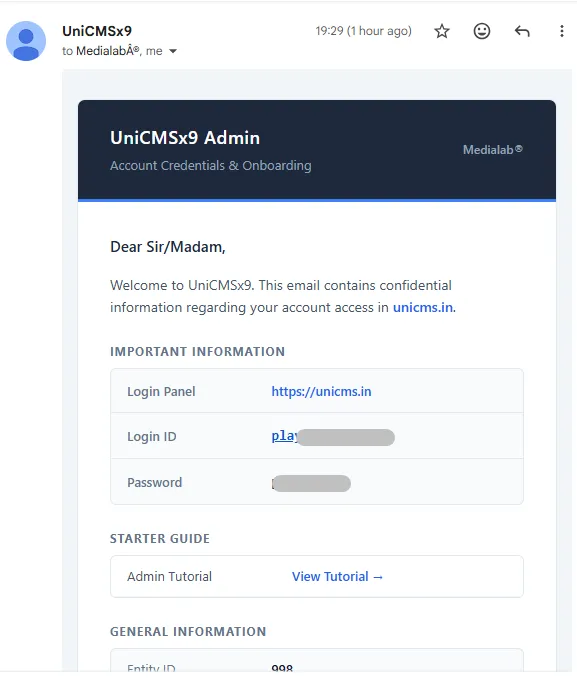 ID and Password
You will receive the password by email as shown in the image. Open the URL given in the mail and enter your domain name as the ID and the password in the mail as Password.
Saving Sessions and & Deleting Them
You can also select the time period for which the login should be saved in that particular system. You can always terminate all saved sessions in any number of system in one click from any system in which you are logged in.
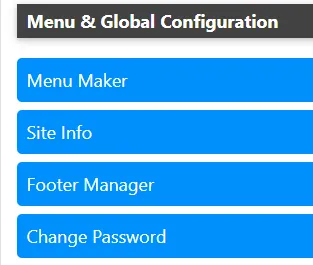 After logging in, you will see the dashboard. Click the link Site Info and update the details.
